
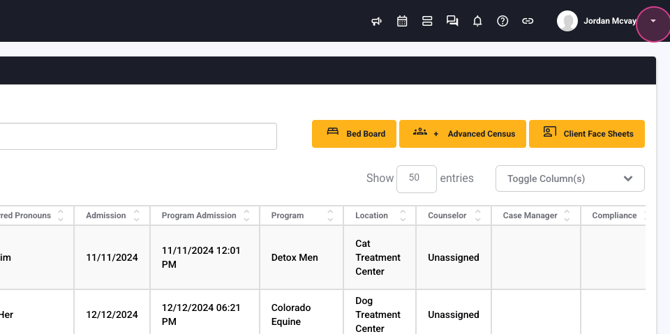
Step 1: Start by navigating to the menu.
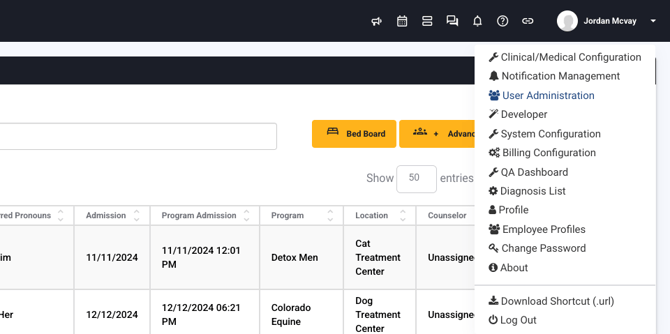
Step 2: Proceed to User Administration.
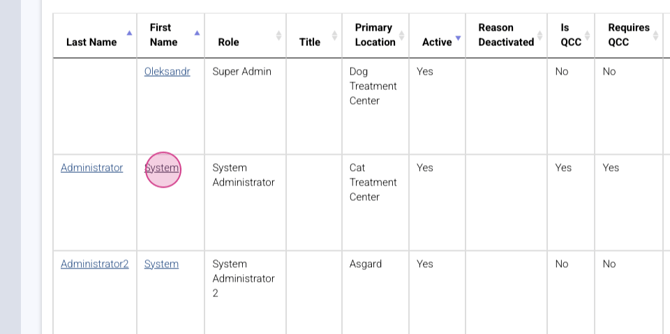
Step 3: Enter the details of the user you're looking to activate.
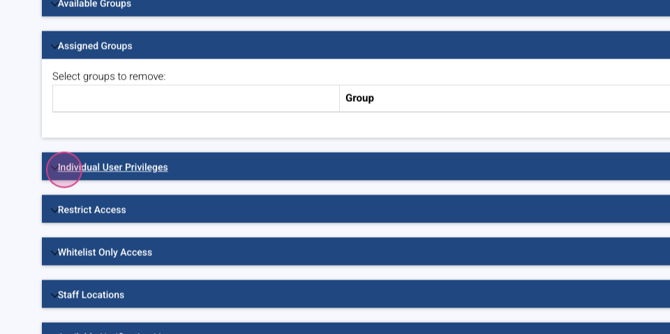
Step 4: Scroll down to Individual User Privileges.
Step 5: Look for Use Auto Generation.
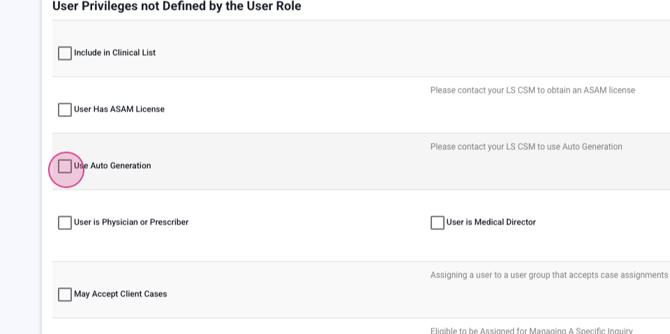
By checking Use Auto Generation, you grant this specific user access to the Lightning Intelligent Assistant.
Step 6: Click Update to save your changes.
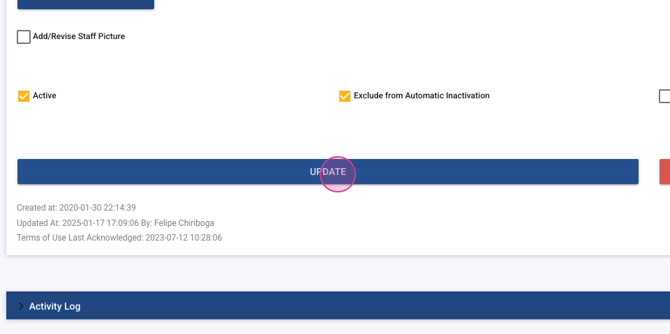
Now, the user has access to the Lightning Intelligent Assistant and can start using it within their forms.
