
Objectives
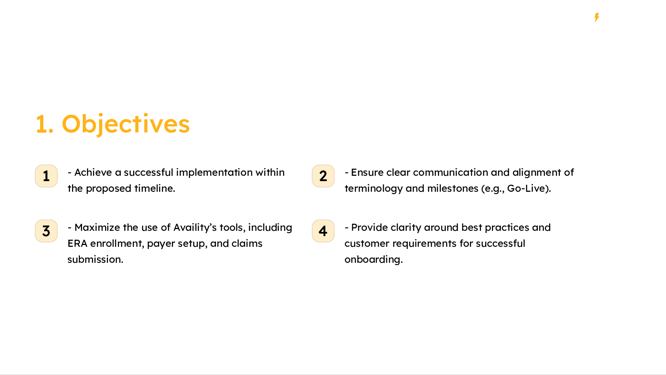
The primary objectives of this implementation are:
- To complete the implementation within the set timeline.
- To maintain clear and consistent communication throughout the process.
- To fully leverage Availity’s tools for maximum efficiency.
- To clarify best practices and customer requirements for successful onboarding.
Roles and Responsibilities
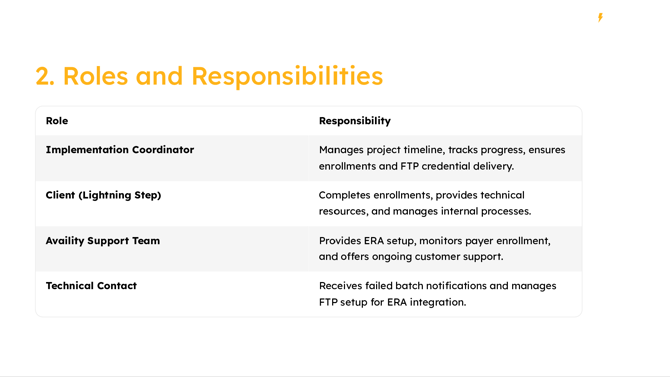
- Implementation Coordinator: Manages the project timeline, tracks progress, and ensures timely delivery of enrollments and FTP credentials.
- Lightning Step (Client): Responsible for completing enrollments, providing necessary technical resources, and managing internal processes.
- Availity Support Team: Handles ERA setup, monitors payer enrollment status, and provides ongoing customer support.
- Technical Contact: Receives notifications of failed batches and manages FTP setup for ERA integration.
Implementation Timeline
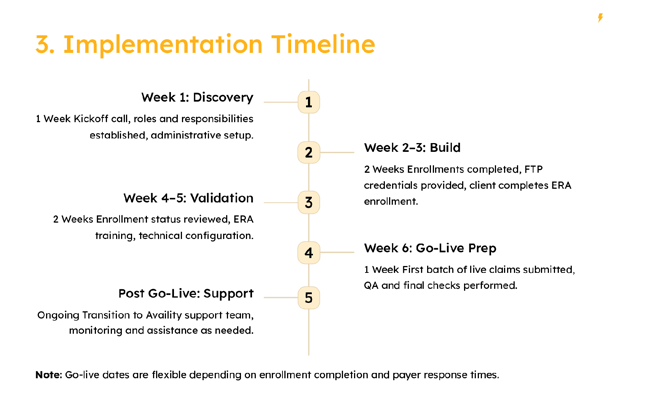
- Week 1: Discovery - Kickoff call to establish roles and responsibilities.
- Weeks 2 to 3: Build - Complete enrollments and provide FTP credentials.
- Weeks 4 to 5: Validation - Review enrollment status and conduct ERA training.
- Week 6: Go-Live Prep - Submit the first batch of live claims.
- Post Go-Live: Transition to ongoing support with the Availity team.
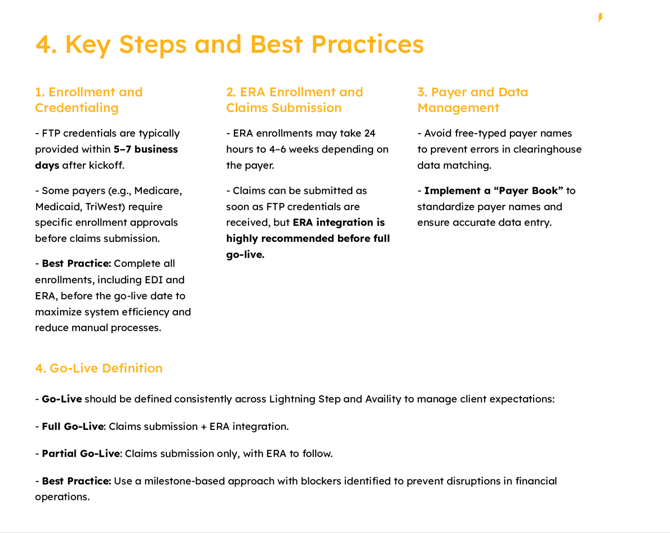
Key Steps and Best Practices
- Ensure FTP credentials are provided within 5-7 business days.
- Complete all enrollments prior to the go-live date.
- Implement a "Payer Book" to standardize payer names and prevent discrepancies.
- Define Go-Live consistently, using a milestone-based approach to minimize disruptions.
Common Challenges and Solutions
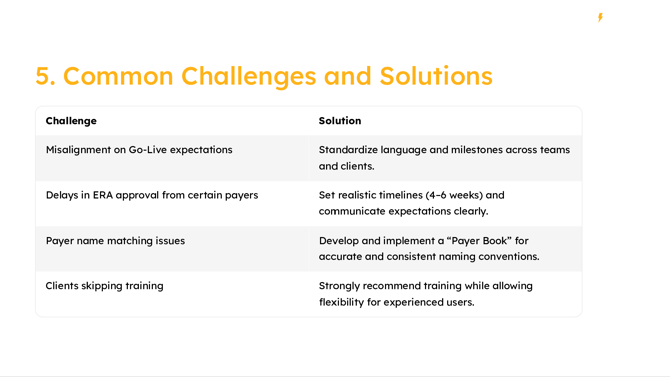
- Misalignment on Go-Live Expectations: Standardize language and set realistic timelines.
- Delays in ERA Approval: Develop a clear process for timely approvals.
- Payer Name Matching Issues: Use a standardized "Payer Book" for consistency.
- Skipping Training: Recommend mandatory training sessions, with flexibility for experienced users.
Tools and Resources
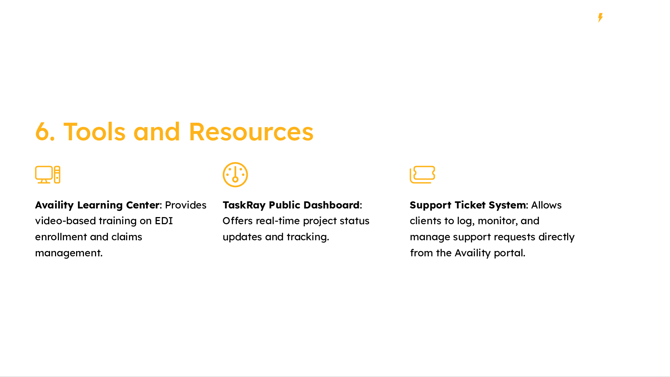
- Availity Learning Center: Offers video-based training on EDI enrollment and claims management.
- TaskRay Public Dashboard: Provides real-time updates on project status.
- Support Ticket System: Enables direct management of support requests through the Availity portal.
Support and Contact Information
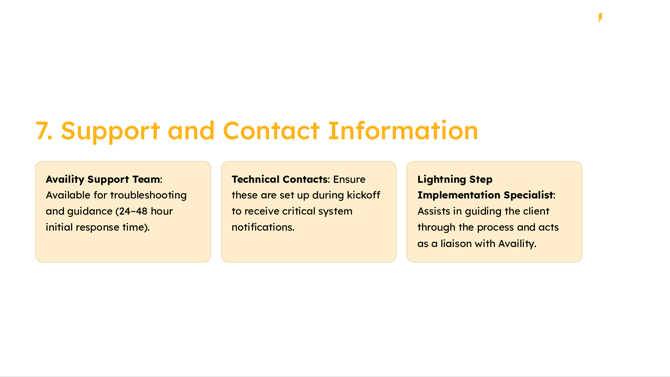
- Availity Support Team: Available for troubleshooting with a typical response time of 24-48 hours.
- Technical Contacts: Set up during kickoff to receive critical notifications.
- Lightning Step Implementation Specialist: Guides the client through the process and liaises with Availity.
Next Steps
- Finalize enrollment plans and prepare internal teams.
- Conduct comprehensive training for all relevant staff.
- Launch the process with close monitoring to ensure smooth operation.
- Identify high-priority payers and align departments on milestones.
By adhering to these guidelines and utilizing the provided tools and resources, Lightning Step can expect a successful implementation of Availity’s services, leading to improved efficiency and satisfaction.
