
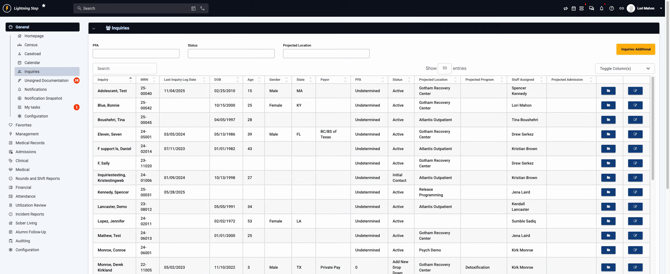
Step 1: Open your client’s profile. In this example, select Bonnie Blue.
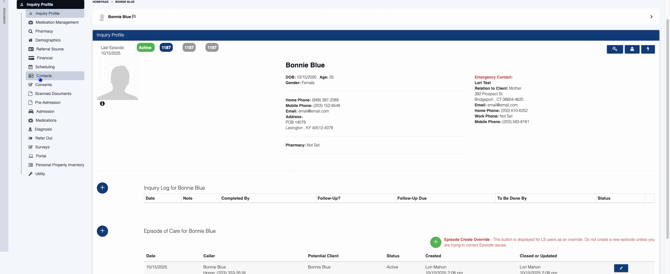
Step 2: Navigate to the Contacts section.
Step 3: Identify the contact needing a release. If there’s no current release, you’ll see a “No” status. Click Create ROI.
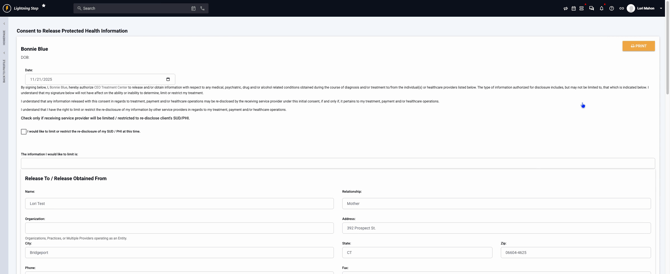
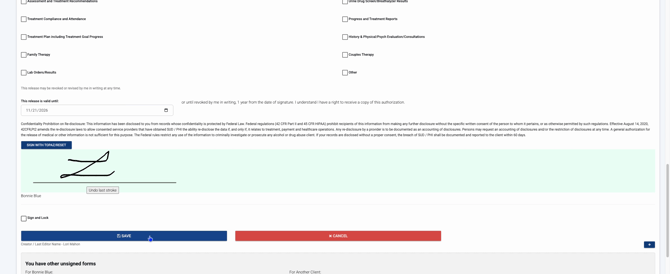
Step 4: Enter the date and review the information. The contact’s details will auto-populate. Select the appropriate checkboxes for your situation. Have the client sign, then lock the form. Once locked, it’s finalized and can’t be edited.
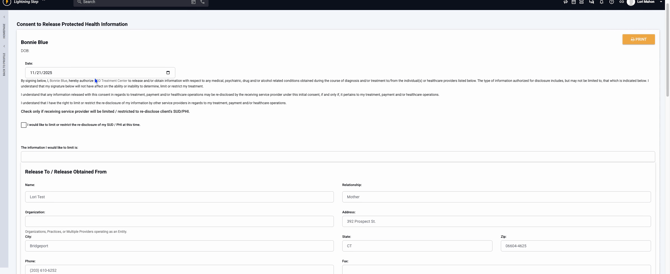
Step 5: Click Save to complete the process.
With these steps, obtaining and storing a release of information for your client’s contacts becomes straightforward and secure. Use this workflow whenever you need documented permission to share or obtain information.
