
Step 1: Log in to the Lightning Step Client Portal.
Begin by entering your credentials on the login screen. Once you’ve logged in, you’ll land on your personalized home page.
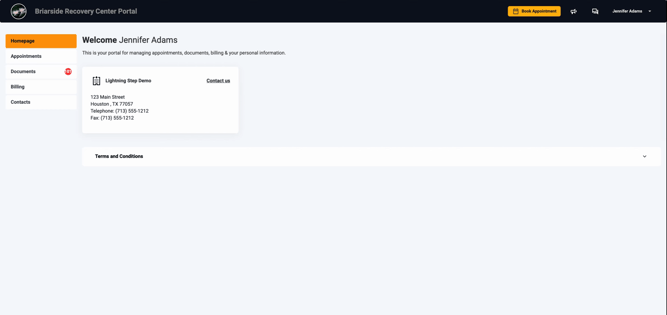
This screenshot shows the login page where you’ll enter your username and password to access the portal.
Step 2: Review Pending Documents on the Home Page.
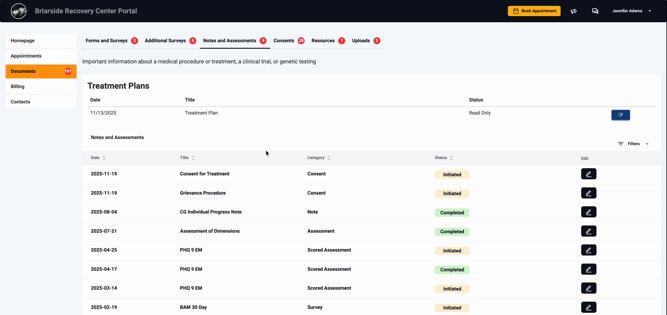
After logging in, the home page displays your list of required documents. You’ll immediately see how many documents are pending, with clear tickers for each item.
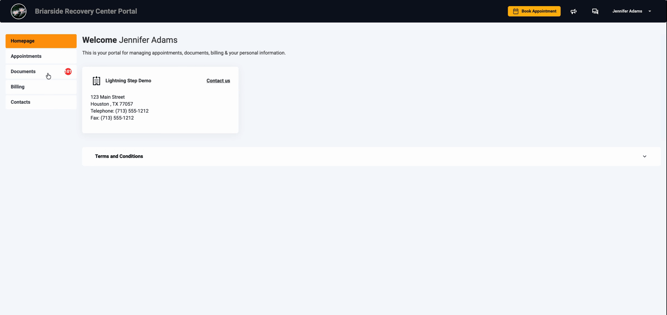
This screenshot highlights the documents list you’ll see right after logging in—pending and completed documents are easy to find.
Step 3: View a Required Document Before Signing.
Before signing, you can review any document’s content directly in the portal, ensuring you understand what you’re signing.
This screenshot shows a document as it appears when you’re reviewing it—scroll to see the content before signing.
Step 4: Select a Pending Document to Sign.
To begin reviewing or signing, click the edit pencil icon or the relevant action button next to the document on your list. This opens the document for completion.
Here, you can see what it looks like to click into a specific document, ready to begin the signature flow.
Step 5: Complete and Sign the Document.
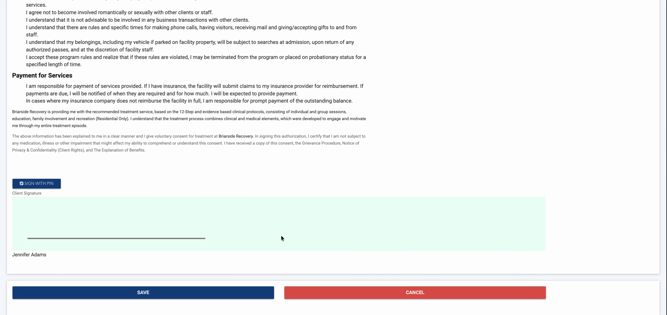
Scroll through the form, read each section, and complete any required fields. When ready, use the portal’s signature box or your PIN to sign. Finish by selecting Save to submit the signed document.
This screenshot illustrates the signature step—showing the interface where you add your digital signature for security and compliance.
Repeat these steps for any remaining documents. As you sign, your dashboard updates so you know exactly what’s completed and what’s still pending.
The client portal streamlines paperwork, making it easy to finish your documentation securely. If you have questions, refer to internal documentation or contact the support team.
