
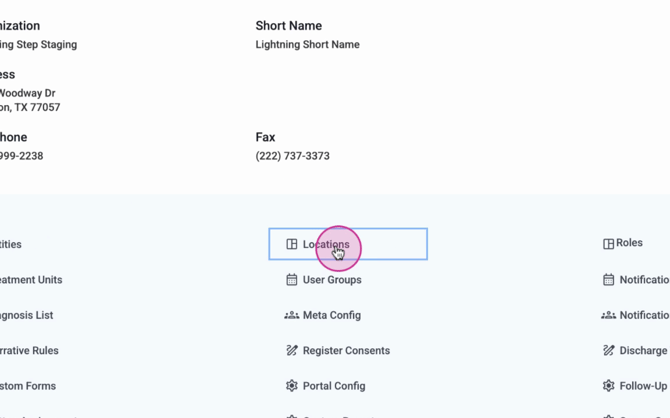
Step 1: Start by navigating to the system configuration.

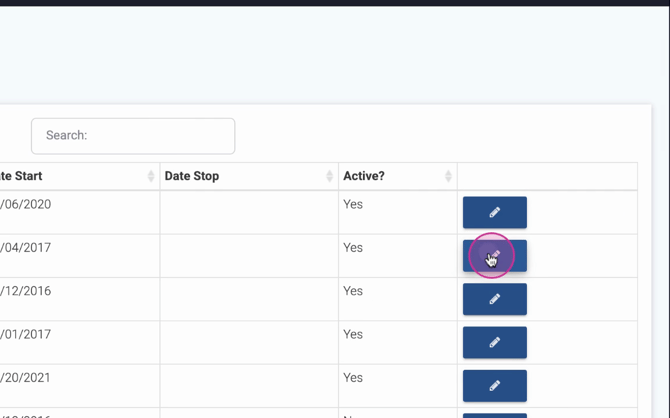
Step 2: Proceed to edit a location.
Step 3: Scroll down to the processing fees section. Here, you're able to set the processing fee percentage for client payments and client cash ledges.
Now, let's see how this works in a real payment collection scenario.
Step 4: Navigate to a client and initiate a payment collection. For this example, we're collecting a payment of $100.
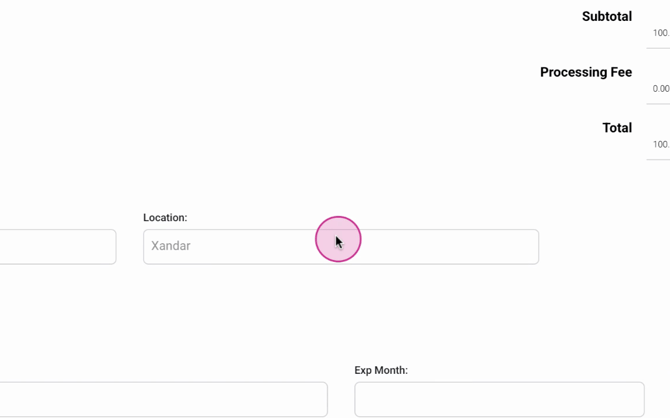
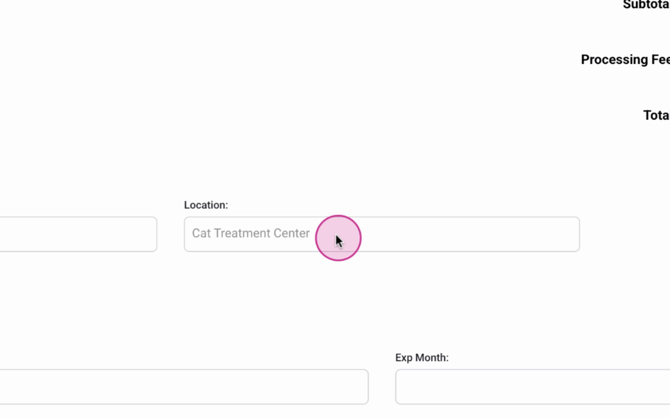
Step 5: Select a location that has a processing fee. Notice how the system automatically recalculates to update the total amount.
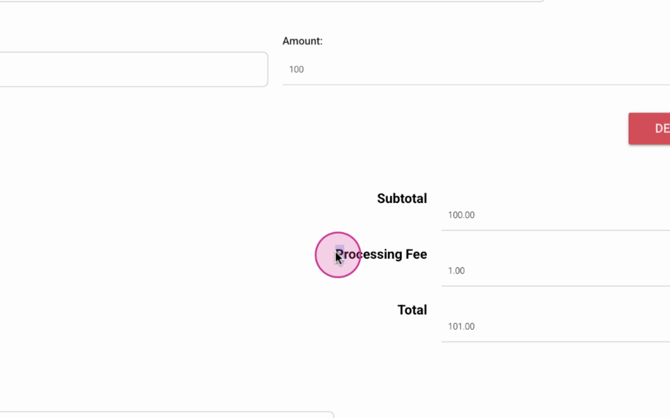
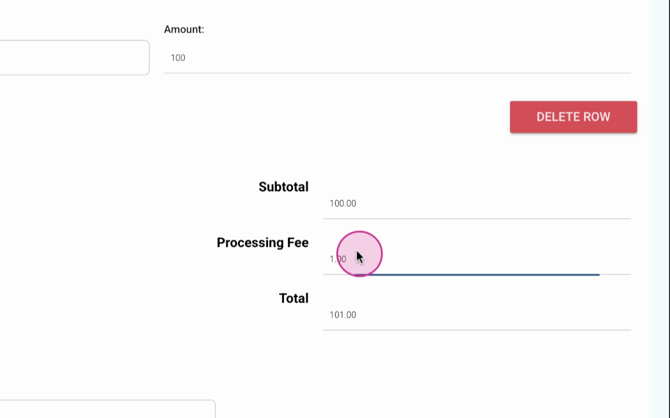
Step 6: Change the location. Observe how the processing fee and total amount adjust accordingly.
By following these steps, you'll be able to effectively use our location-based processing fee feature to manage your client payments.
