
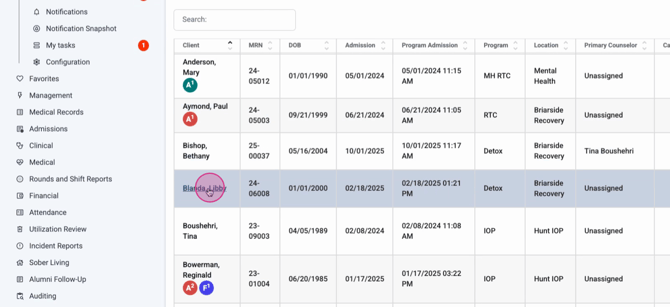
Step 1: From the Census view on the home screen, find the client you’re discharging and click their name to open their profile.
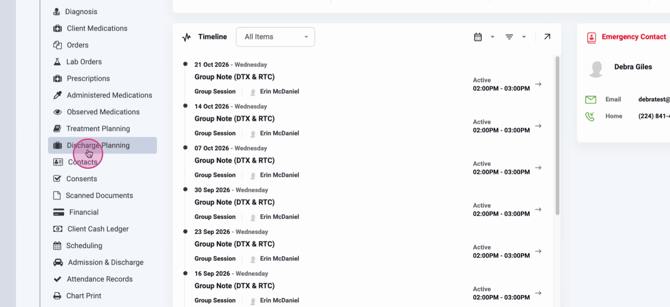
Step 2: Inside the client profile, locate Discharge Planning and click to open it.
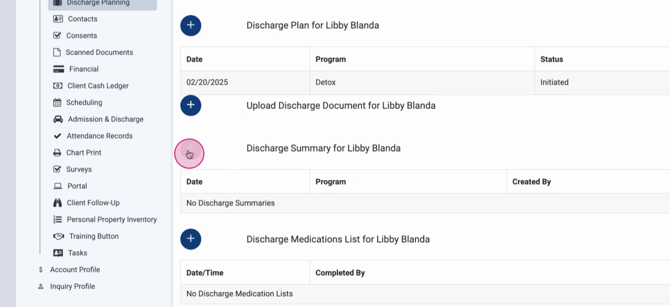
Step 3: Click the plus button next to Discharge Summary to start a new summary for the client.
Step 4: In the discharge summary, begin entering the discharge information. Record any services provided, then review the Meds List at Discharge.
Step 5: For each medication, review details like the medication order date, order itself, purpose, responsible staff, and prescription status. Click any entry to see more information.
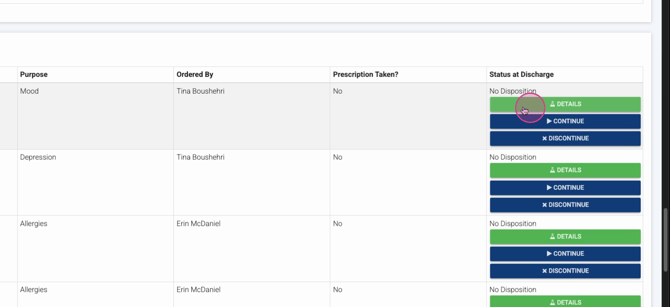
Step 6: Decide the medication status for discharge:
-
Continue to discharge
-
Discontinue to discharge
-
Remove from medication list
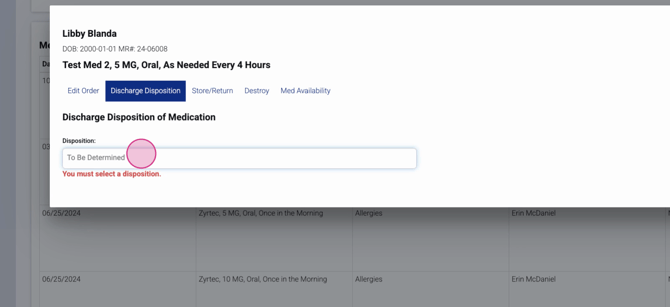
Step 7: Edit the order as needed by verifying, denying, or discontinuing it.
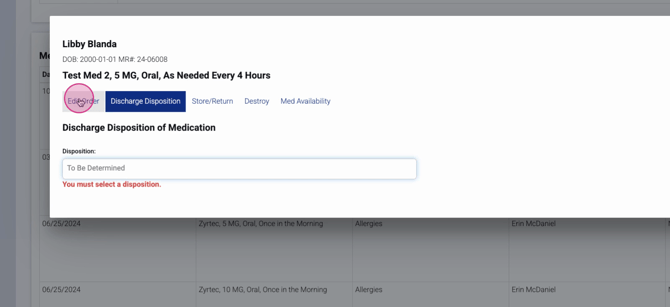
Step 8: If storing medication, enter the stored location, amount, and dose form. Click Store once completed.
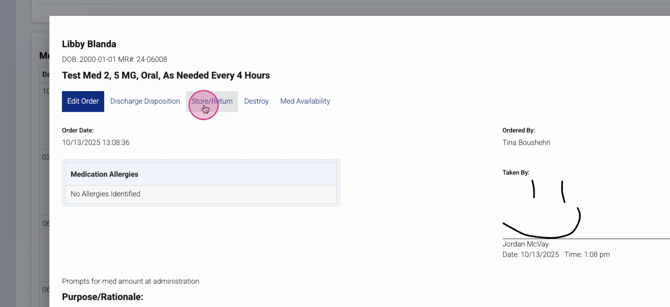
Step 9: To destroy medication, fill in the destruction details—reason, amount, dose form, destroying user (defaults to you), and witness. Click Save after filling out the form.
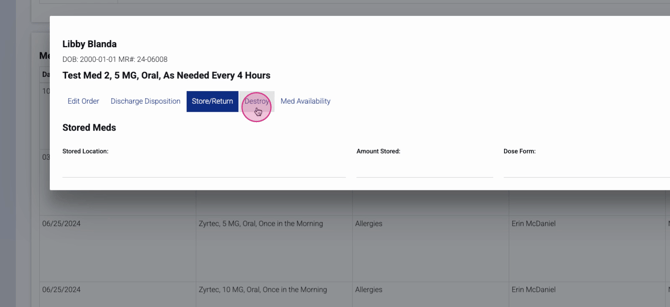
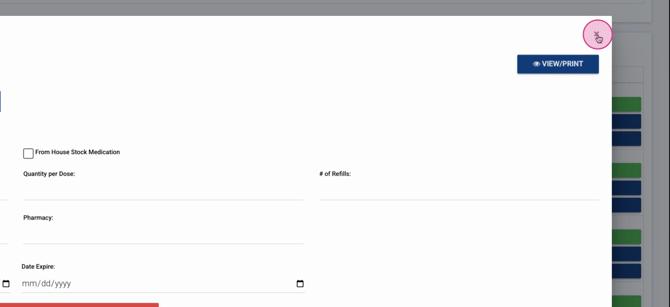
Step 10: Record medication availability if needed by specifying:
-
Whether it’s available or from house stock
-
Number available
-
Quantity per dose
-
Number of refills
-
Prescription details, pharmacy, filed and expired dates
You can view and print these tabs from the upper right corner.
Step 11: Use quick actions in the discharge summary to:
-
Click Continue to keep a medication at discharge
-
Click Discontinue to stop it at discharge
If all information is correct, go down the list, continuing or discontinuing as appropriate. For anything requiring a closer look, open the details and set the disposition after reviewing.
Step 12: When everything’s complete, Sign, Lock, and Save the discharge summary.
Wrapping up medication reconciliation keeps your records accurate and supports client safety during transitions. If you have questions or need more details, consult your internal documentation or contact the support team.
