
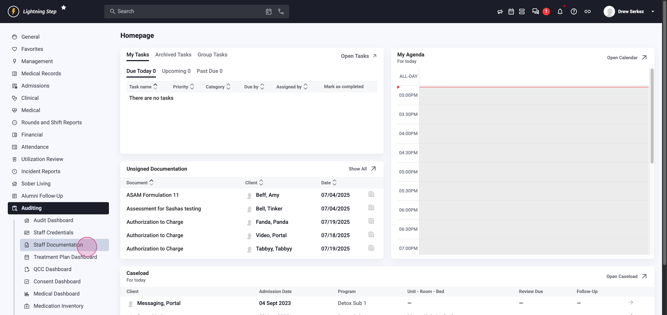
Step 1: Access the Staff Documentation Audit Log in to Lightning Step. Go to the menu on the left and select Auditing. Under this section, click Staff Documentation.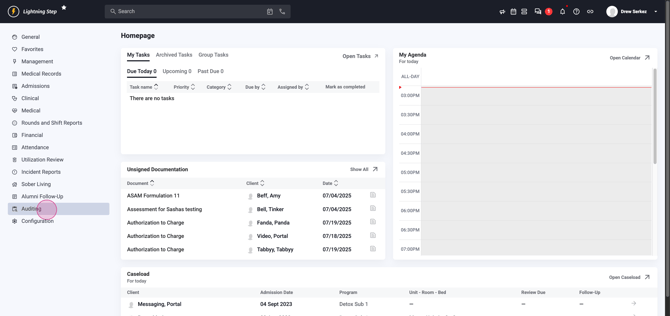
Step 2: Filter Records for Review You'll be directed to the Staff Documentation Review page. Set your date range, keeping in mind that larger ranges may increase report load times.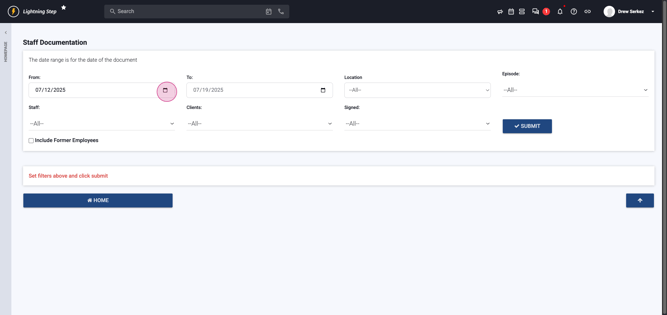
Fine-tune your search using filters for Location, Episode, Staff, Client, or Signed Status. Enable the checkbox if you want to include former employees in your search.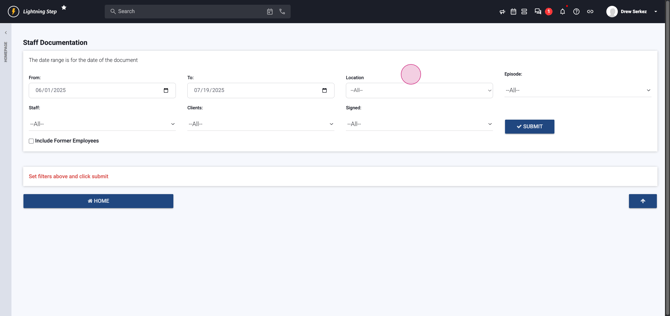
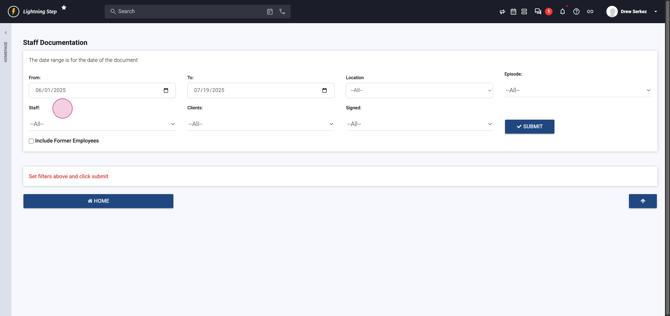
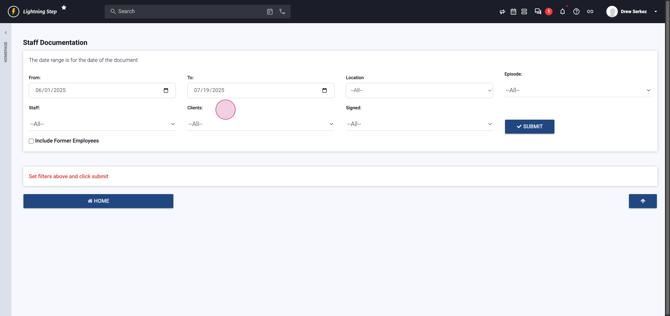
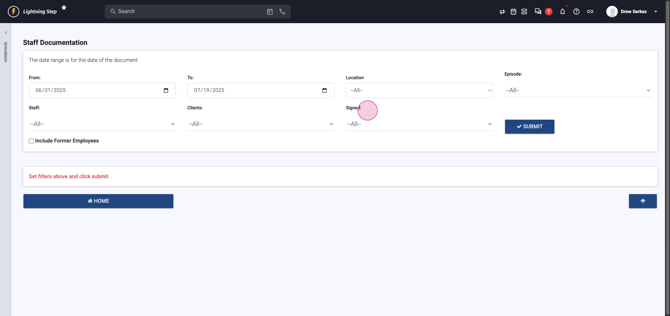
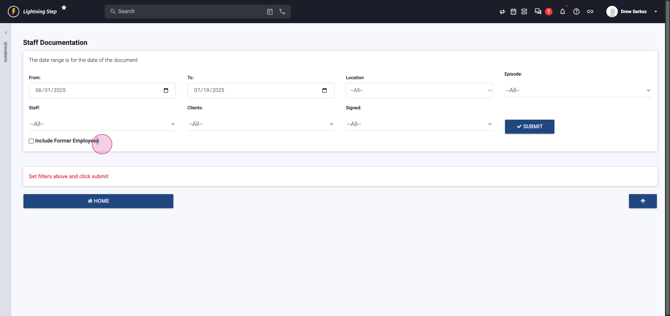
Step 3: Generate and View Reports Select Submit to produce the report. Separate documentation categories appear, including Assessments, Notes, Diagnoses, Discharge Plans, Discharge Summaries, Treatment Plans, Treatment Summaries, QCC Requests, Participating Staff, Incomplete Episodes, and Admission Orders.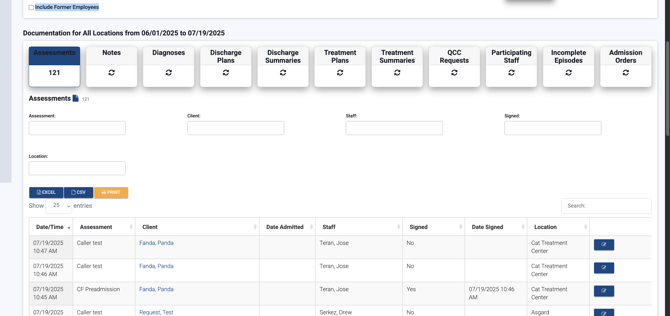
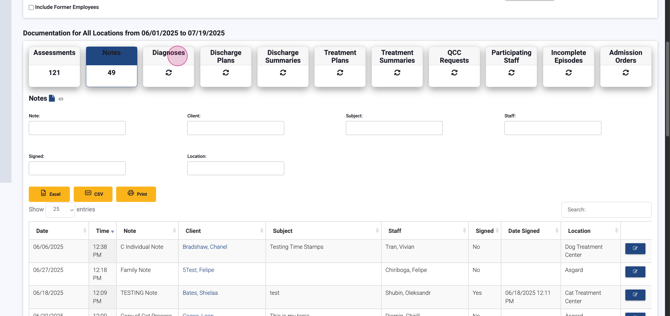
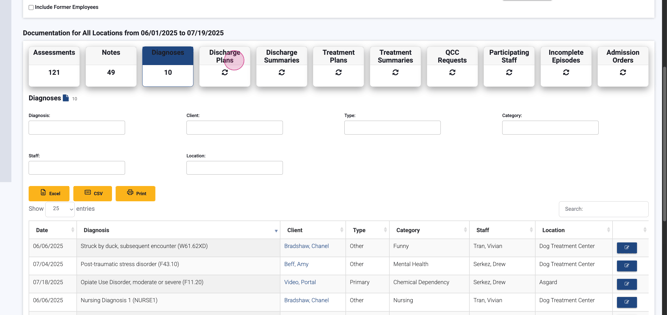
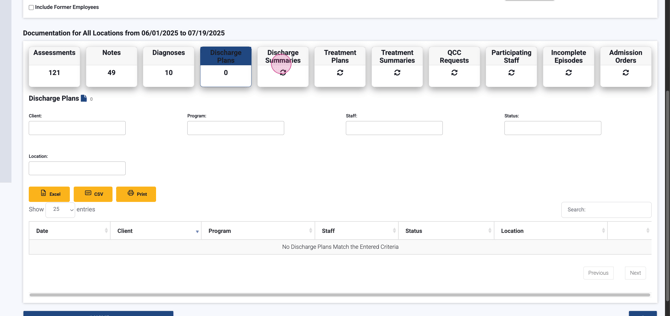
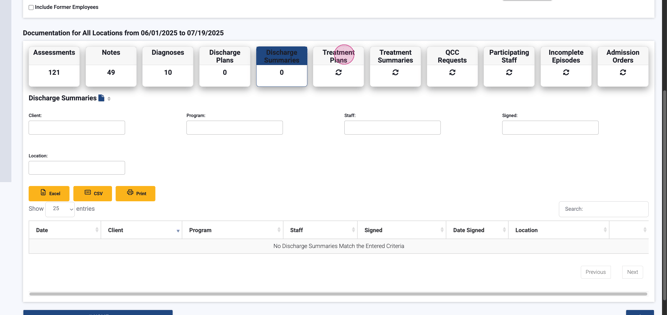
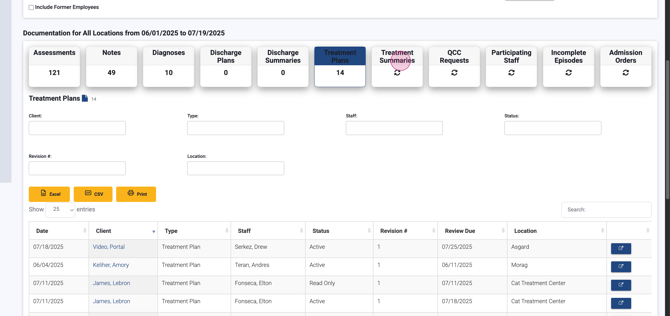
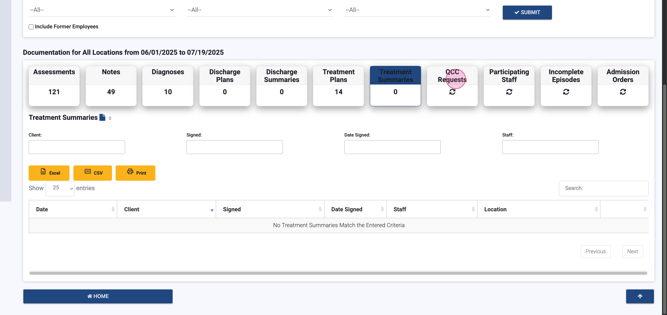
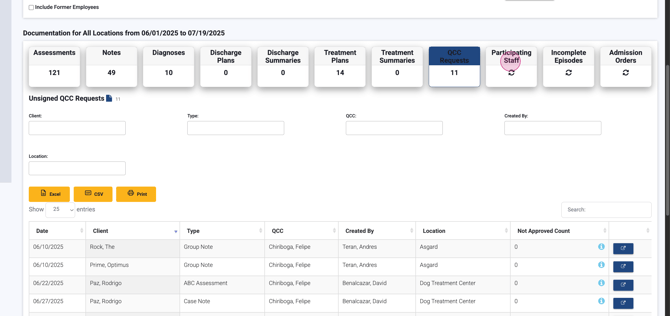
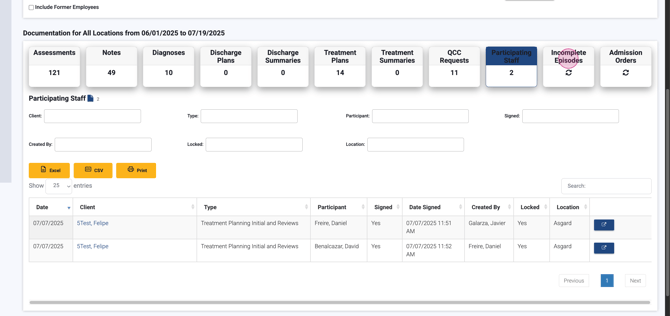
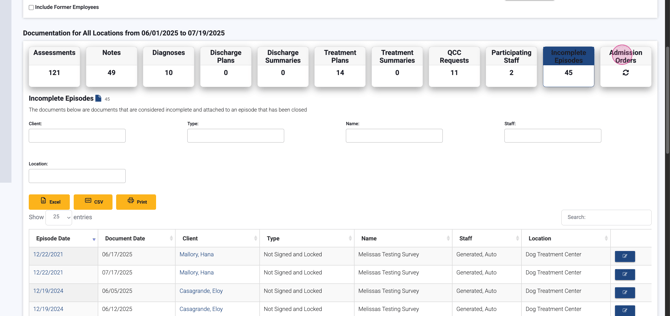
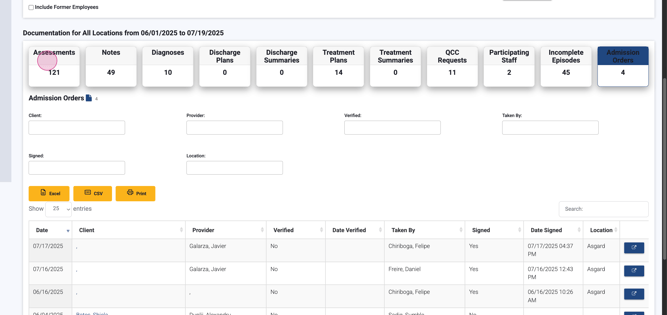
Step 4: Examine Filtered Results Each section shows counts and more filters for narrowing to certain documents, staff, clients, signature status, and location. Review critical document details including date, time, document type, client, admission date, staff, signature status, signature date, and location. Documents link for review, indicated by a blue pencil icon.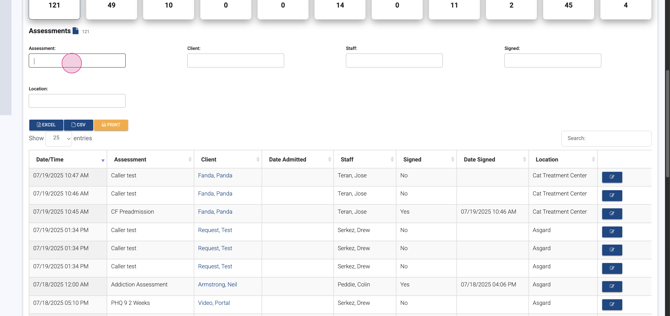
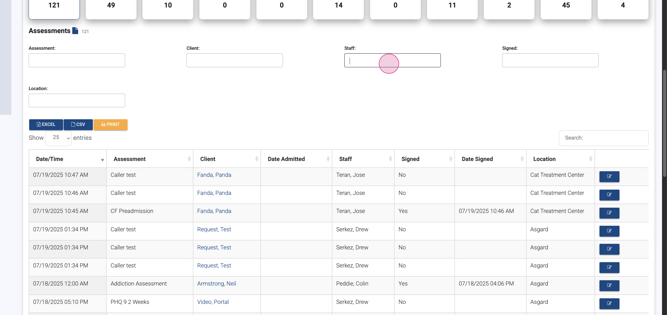
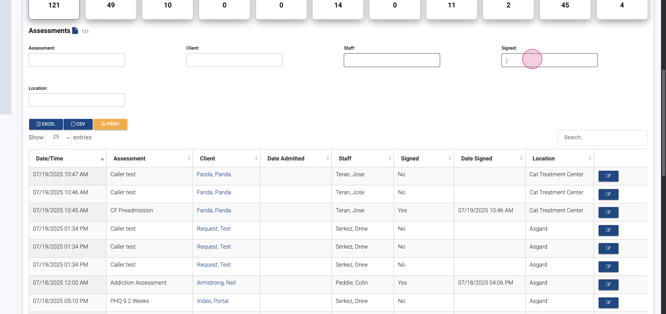
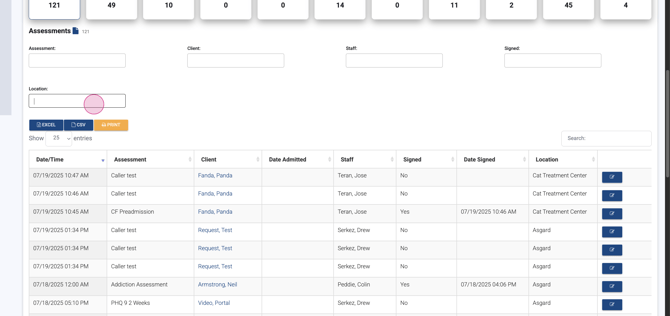
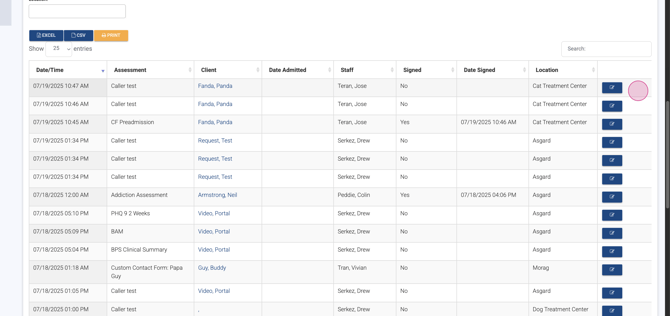
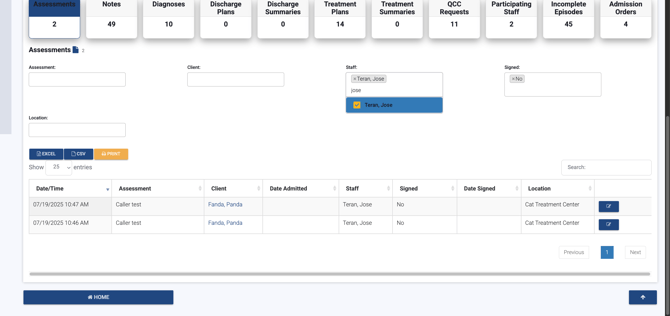
Step 5: Audit by Staff Member or Document Status Quickly filter the report for a specific staff member or pinpoint unsigned documentation. For example, select Jose to see all his pending and unsigned documents for the chosen period.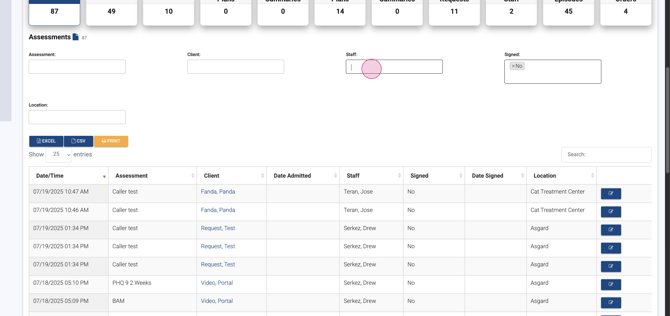
Step 6: Export & Follow Up Export the results to Excel when you need a shareable list—perfect for sending outstanding items to staff or for further audits.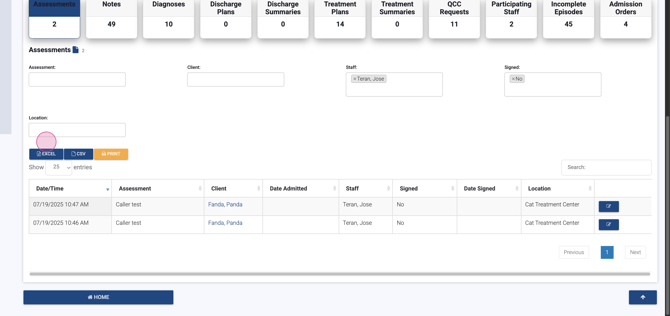
Any unsigned items in this list will match the Unsigned Documentation menu for each team member.
Step 7: Wrap Up When finished, use the Home button or the Lightning Step icon to return to your homepage.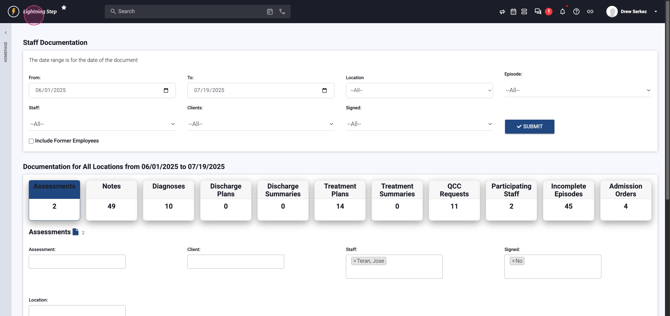
By following these steps, you'll ensure documentation oversight is thorough and efficient with Lightning Step.
