
Step 1: Refresh the page if it’s running slowly to make sure you’re seeing the latest updates.
Step 2: Use the search bar to find the client whose results you need to review.
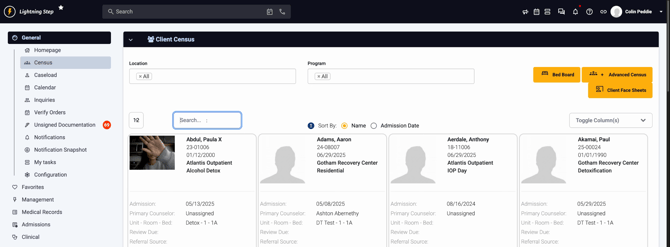
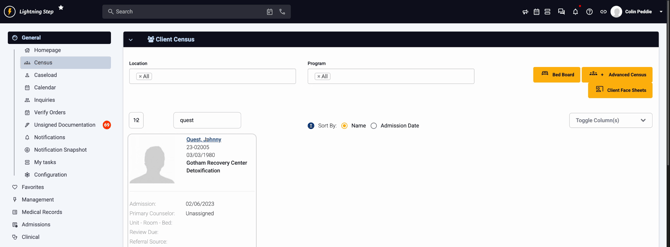
Step 3: Select the client from the search results. For this example, we will choose Johnny Quest.
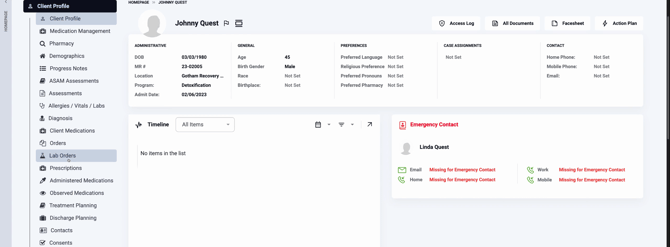
Step 4: The client’s profile opens to the main tab by default. Scroll down the page until you find the Lab Order section.
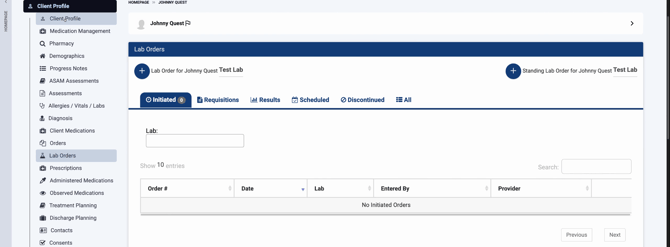
Step 5: Review the different stages of lab orders—the system shows results in buckets like Initiated and Results as they progress.
Step 6: Check the Initiated tab to see any lab orders that have been started and sent to the lab but aren’t complete yet.
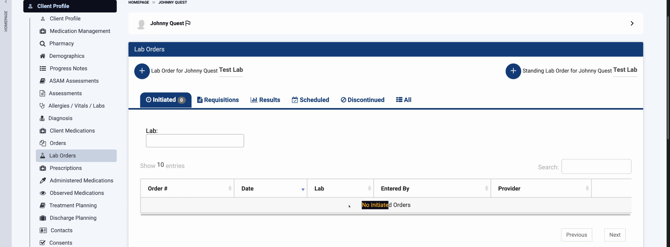
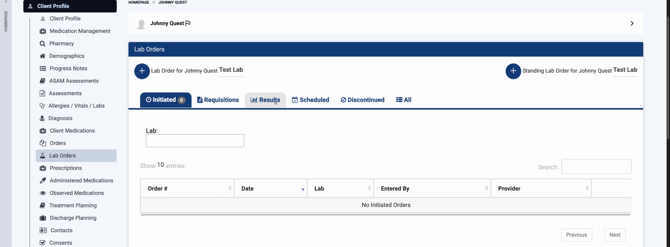
Step 7: When results are available, switch to the Results tab. This section displays completed lab orders, ready for review.
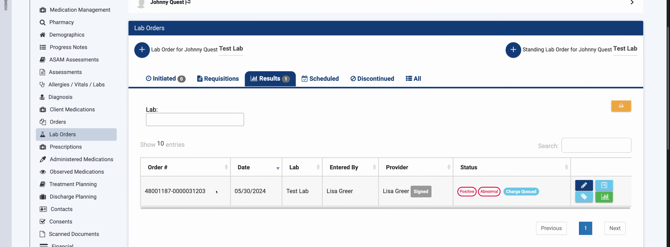
Step 8: On the left, find the Order Number, Date Received, Lab Name, Entered By, Provider, and Status for every result.
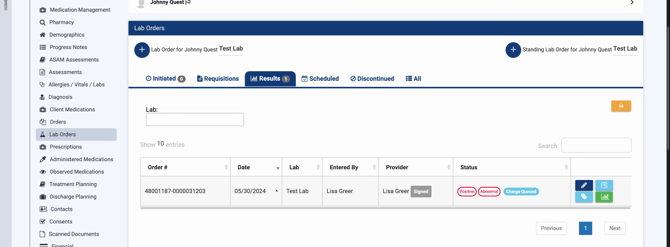
Step 9: Quickly scan for any positive or abnormal results—these are clearly flagged so you don’t miss anything urgent. If all results are normal, you’ll see “normal” or no flags.
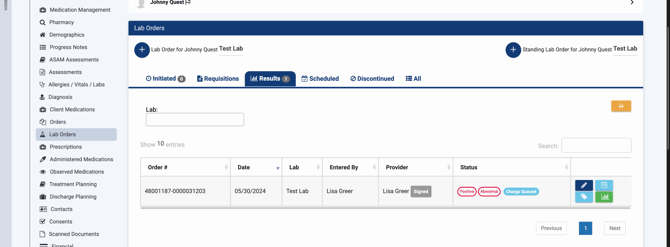
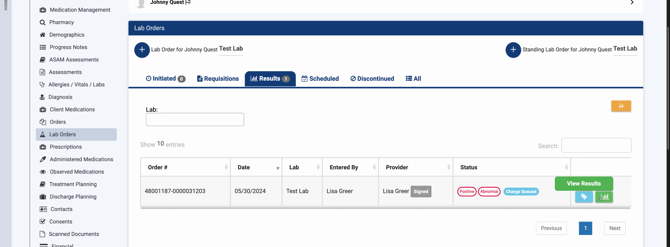
Step 10: To view detailed lab data, click the green button beside a completed result. This opens the lab report.
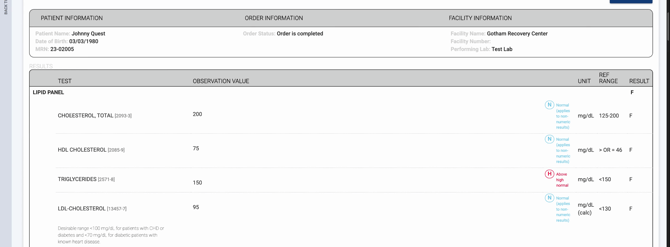
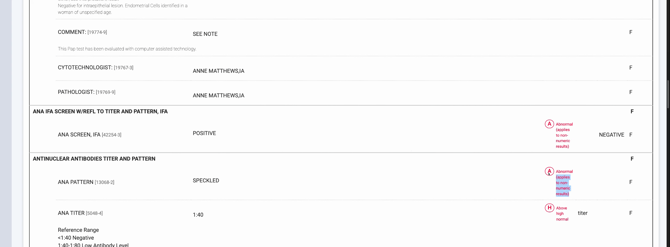
Step 11: Review the specific metrics inside the lab results. Normal values are shown clearly, while abnormal or high markers (like triglycerides) are flagged for attention.
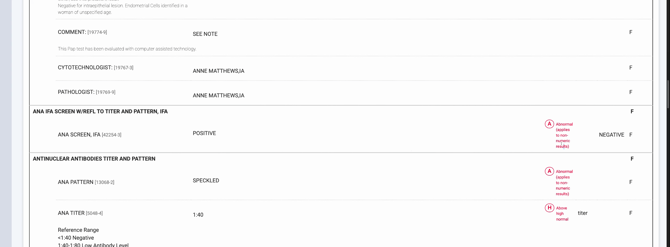
Step 12: Any result outside the normal range will have a visible flag for quick review.
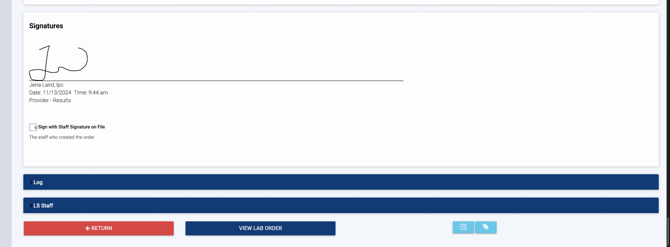
Step 13: Check for the provider’s signature at the bottom. If the lab result isn’t signed yet, click Sign to endorse it using your stored staff signature as the reviewing provider.
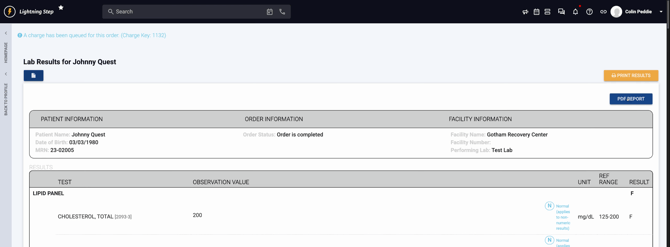
Step 14: To access the official PDF lab report, click the PDF icon. The report opens in a new window, showing the lab’s branding and comprehensive details. You can review, download, or print the PDF directly from here.
Keeping everything in one place means you’ll never lose track of lab progress or official documentation. Lightning Step makes it easy to monitor, interpret, and share lab results with confidence. For additional support, check the internal documentation or reach out to your support team.
