
The Appointments tab provides a clearer, more visual overview of client appointment history. Users will notice a consolidated display of both past and upcoming appointments, making it easy to track scheduling patterns and upcoming engagements without switching between different areas. The enhanced filter options allow appointments to be sorted by date, staff member, event type, and status, streamlining the search and review process.
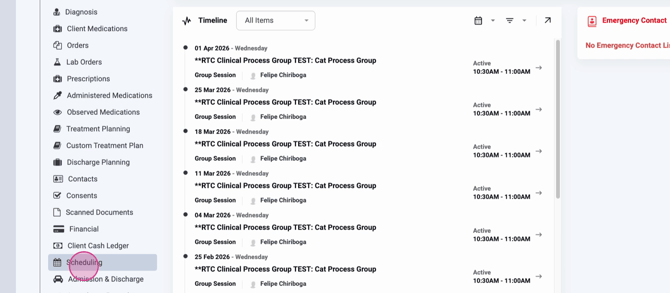
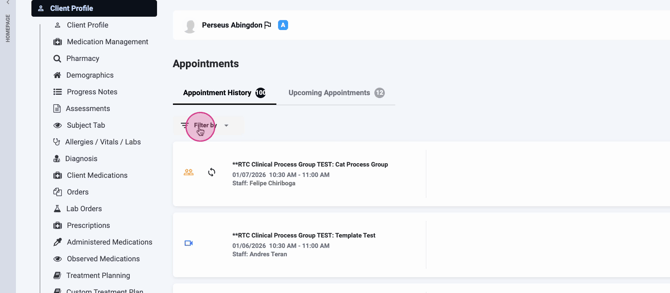
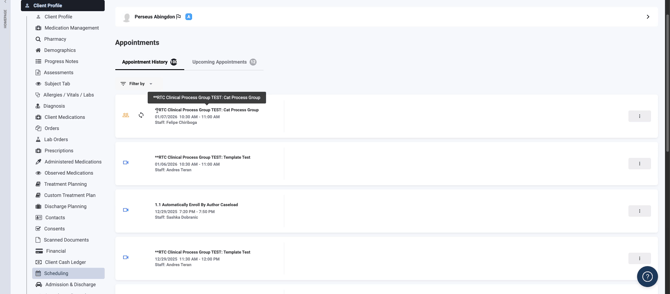
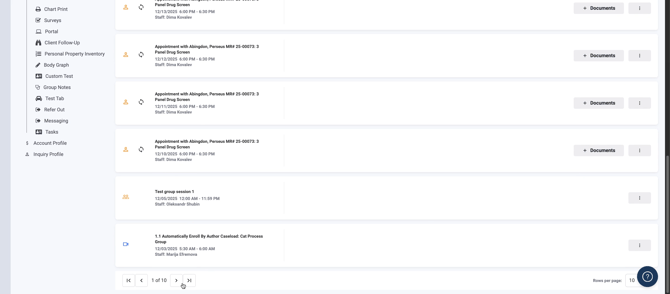
A key aspect of the update is the introduction of visual indicators and tooltips when hovering over appointment titles. These icons instantly communicate whether an appointment is a group session, recurring event, Telehealth visit, or individual meeting, helping staff quickly assess the nature of each appointment.
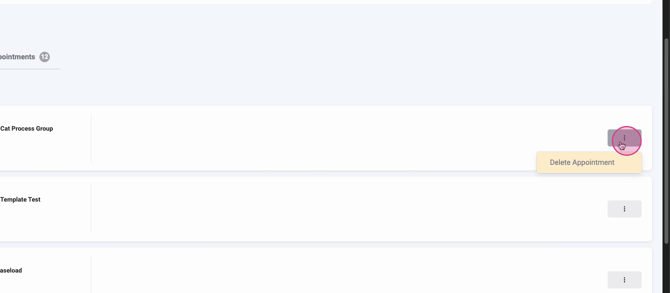
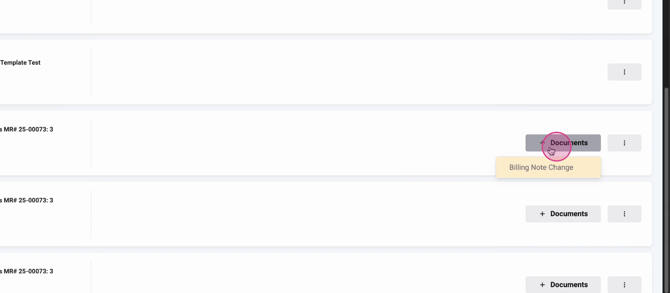
Another improvement is the location of the action menu, now accessible directly within each appointment listing. This allows users to manage or delete appointments swiftly. The new layout also supports direct documentation: if required forms have not been created for an appointment, users can add them right from the Appointments tab, dependent on the services linked to that particular session.
Pagination controls at the bottom of the tab make it easier to navigate through extensive appointment records, with customizable rows displayed per page to suit different workflow preferences.
Overall, the redesigned Appointments tab brings transparency and efficiency to appointment management in client profiles. Users benefit from richer filtering, actionable appointment details, and more integrated document workflows—all of which contribute to a more streamlined client management experience.
